How to Analyze Your Posts Using Stanley
Last updated: January 29, 2026
The Analyze my recent posts feature helps you get clear, actionable insights on content you’ve already shared — so you can understand what’s working and how to improve future posts.
Instead of guessing what performed well (or why), Stanley breaks it down for you in a simple, easy-to-understand way.
Where to Find Post Analysis 📍
Log into your Stanley account
Underneath the text input box, click Analyze my recent posts
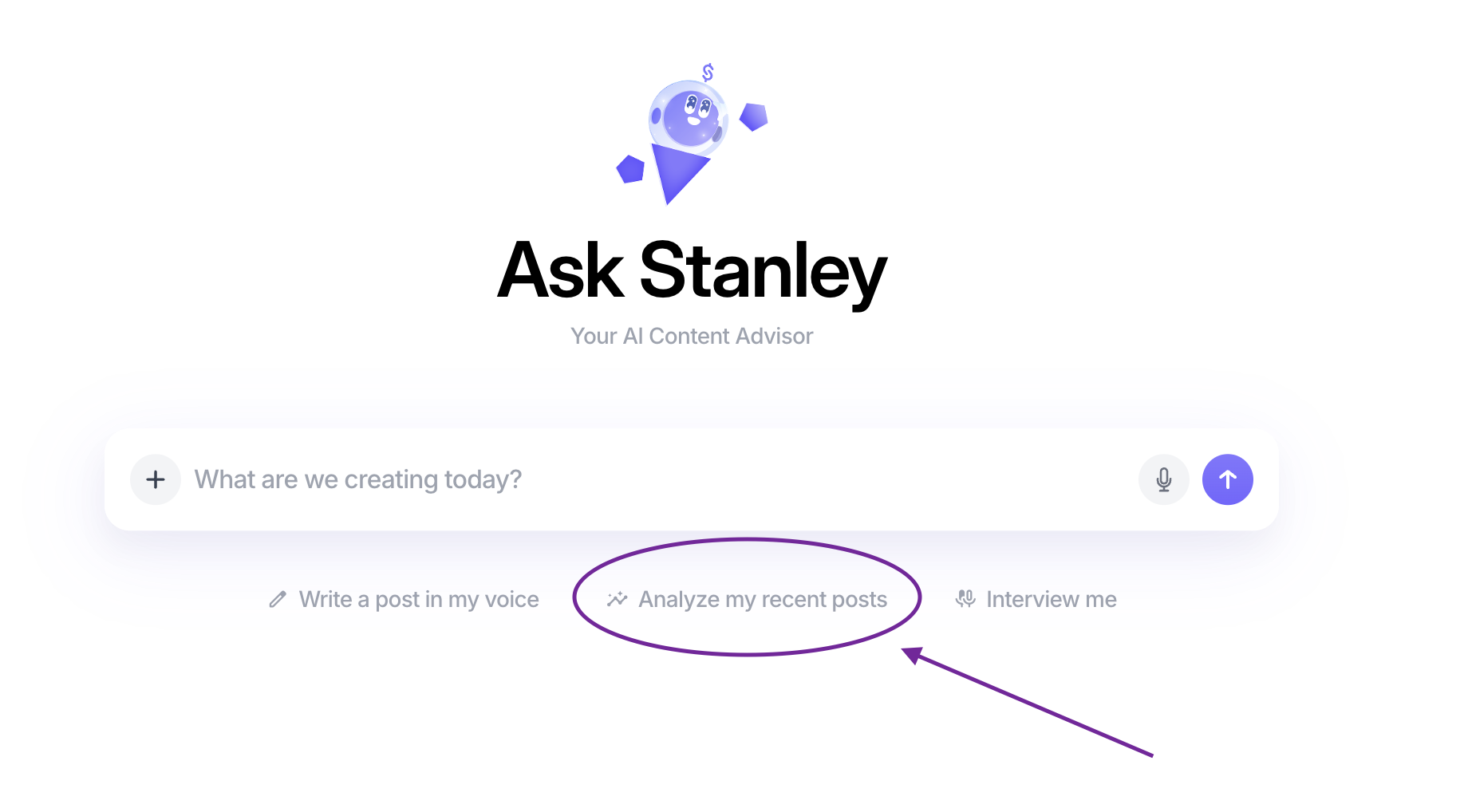
Once you click Analyze my recent posts, Stanley will take it from there.
How Post Analysis Works 🧠
Stanley pulls in your most recent posts
This is typically your latest published LinkedIn posts.Stanley analyzes the content
Stanley looks at structure, clarity, tone, and engagement potential.You receive feedback and insights
You’ll get suggestions on what’s working, what could be improved, and ideas you can apply to future posts.Use the insights however you want
You can refine your next post, adjust your messaging, or simply build awareness of your patterns.
Tips for Best Results 💡
Use this after publishing posts you care about improving from
Look for patterns across multiple analyses, not just one
You don’t need to change everything — even small tweaks compound
Why Use Post Analysis? 🚀
Helps you understand why a post worked (or didn’t)
Removes guesswork from content creation
Makes it easier to grow with intention instead of trial-and-error
🙋 Need a hand?
If you run into any issues or have questions about analyzing your posts, we’re here to help.
Just reach out to stanley@stanwith.me, and our team will take it from there 💜